Server vs Client Components
Everything is a Server Component by default
In the App Router, every component is a Server Component unless you say otherwise. It runs on the server, can read files and databases directly, and sends only HTML to the browser — zero JavaScript for that component.
// app/courses/page.jsx — Server Component (no directive needed)
import { courses } from '@/lib/courses'
import fs from 'node:fs'                 // ✅ Node APIs allowed on the server

export default async function Courses() {
  const note = fs.readFileSync('notice.txt', 'utf8')   // runs on server only
  return (
    <main>
      <p>{note}</p>
      {courses.map((c) => <h2 key={c.slug}>{c.title}</h2>)}
    </main>
  )
}
Client Components: 'use client'
When you need interactivity — clicks, typing, state, browser APIs — put 'use client' at the top of the file.
// components/LikeButton.jsx — Client Component
'use client'                              // must be the very first line
import { useState } from 'react'

export default function LikeButton() {
  const [likes, setLikes] = useState(0)
  return <button onClick={() => setLikes(likes + 1)}>👍 {likes}</button>
}
When to use which
| You need… | Server | Client |
|---|---|---|
| Fetch data / query database | ✅ | ⚠️ via API |
| Keep API keys secret | ✅ | ❌ |
| onClick, onChange, forms with live validation | ❌ | ✅ |
| useState, useEffect, useContext | ❌ | ✅ |
| window, localStorage, geolocation | ❌ | ✅ |
| Small JavaScript bundle | ✅ | adds JS |
What runs where
The client boundary
'use client' marks a boundary. That file and everything it imports become client code. So put the directive as low in the tree as possible.
Pattern: server page + small client island
// app/courses/page.jsx (Server Component)
import { searchCourses } from '@/lib/courses'
import CourseCard from '@/components/CourseCard'   // server
import CourseSearch from './CourseSearch'          // client island

export default async function CoursesPage({ searchParams }) {
  const { q = '' } = await searchParams
  const list = searchCourses(q)                     // data on server
  return (
    <div className="container">
      <h1>All Courses</h1>
      <CourseSearch initial={q} />                  {/* only this ships JS */}
      <div className="grid">
        {list.map((c) => <CourseCard key={c.slug} course={c} />)}
      </div>
    </div>
  )
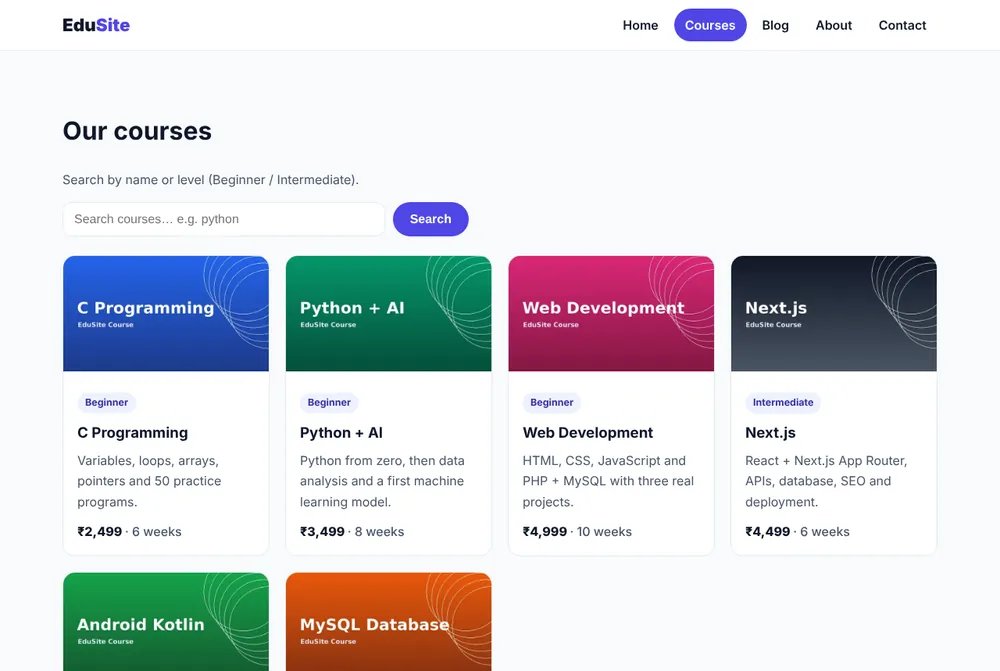
}
Passing Server Components as children
A Client Component cannot import a Server Component, but it can receive one as a prop or children.
// components/Tabs.jsx  (client)
'use client'
import { useState } from 'react'
export default function Tabs({ first, second }) {
  const [tab, setTab] = useState(0)
  return (
    <div>
      <button onClick={() => setTab(0)}>Syllabus</button>
      <button onClick={() => setTab(1)}>Reviews</button>
      {tab === 0 ? first : second}
    </div>
  )
}

// app/courses/[slug]/page.jsx  (server)
<Tabs
  first={<Syllabus slug={slug} />}   // Server Components passed as props
  second={<Reviews slug={slug} />}   // they still render on the server
/>
Keeping secrets on the server
// lib/db.js
import 'server-only'          // npm i server-only → build error if imported in client code
import mysql from 'mysql2/promise'
export const db = mysql.createPool({ password: process.env.DB_PASSWORD /* … */ })
Environment variables without the NEXT_PUBLIC_ prefix are never sent to the browser.
Common mistakes
- Adding
'use client'to page.jsx just for one button → the whole page ships JS. Extract the button. - Passing functions as props from Server to Client (
onSave={save}) → not serializable; use a Server Action instead. - Using
windowin a Server Component → "window is not defined". 'use client'after imports → it must be the first line.
Summary
- Server Components (default): data, secrets, zero JS.
- Client Components (
'use client'): state, events, browser APIs. - Keep client islands small and pass server content as children.
Make a server-rendered course page and add a client LikeButton and a client Tabs component that receives two server-rendered sections as props.
