Networking and Internet
Easy Exam Notes
This complete tutorial is based on your uploaded Networking and Internet notes. All important definitions, differences, comparison tables, security concepts, and quick revision points are presented in a premium, easy-to-read format.
1. Computer Network – Basic Concepts
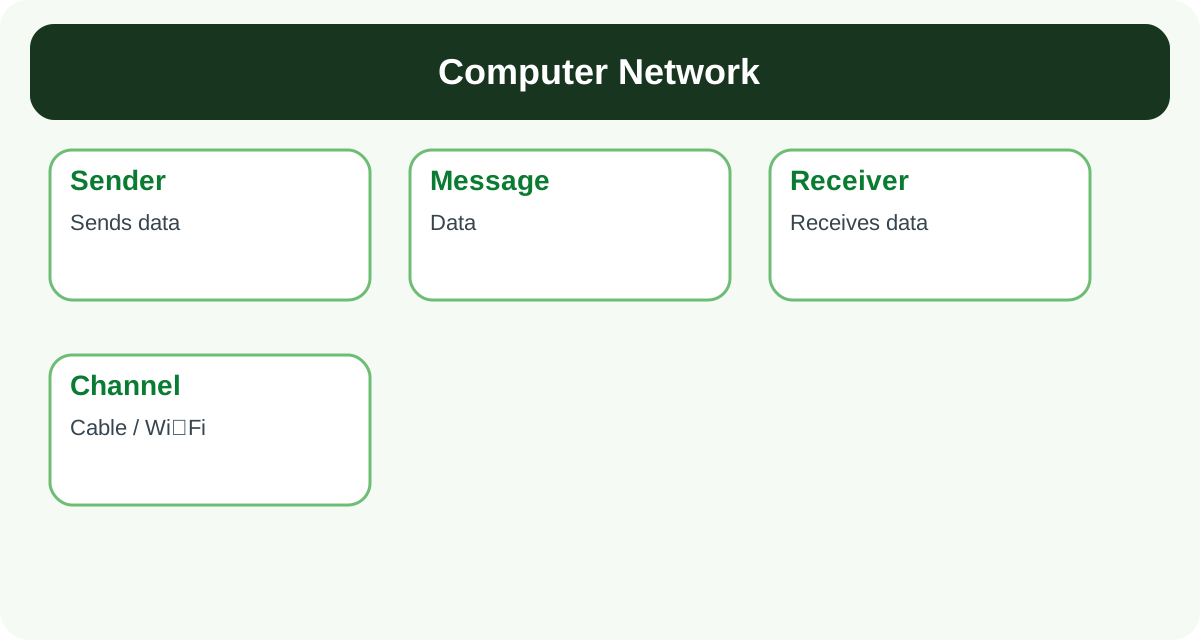
A computer network is a collection of interconnected nodes (devices such as computers, printers, fax machines and telephones) that communicate with each other through a channel to share data and resources.
- Components of a communication system: Sender, Receiver, Message and Channel.
- Sender – the node that sends the data.
- Receiver – the node that receives the data.
- Message – the information or meaningful data being communicated.
- Channel – the communication medium through which the message travels, such as cable or Wi-Fi.
- Advantages of a computer network: Resource Sharing and Communication.
- Resource Sharing – hardware (printers, scanners, memory) and software (applications, files, audio, video) can be shared.
- Communication – information can be exchanged easily and quickly between all nodes of the network.
| Mode | Meaning | Example |
|---|---|---|
| Simplex | Data flows in one direction only (unidirectional). | Radio, Television |
| Half-Duplex | Data flows in both directions, but only one node can transmit at a time. | Walkie-Talkie |
| Full-Duplex | Data flows in both directions at the same time. Used by interactive applications; NIC supports this mode. | Telephone call |
Important Notes
- Important terms: Internet is a global network of networks connected using the TCP/IP protocol.
- Bandwidth is the maximum data transfer rate (capacity) of a network.
- ISP (Internet Service Provider) is a company that provides Internet connectivity, e.g., Jio, Airtel, BSNL.
- Protocol means a set of rules for communication.
2. Transmission Media
A transmission medium is the channel through which data travels from one node to another in the form of a signal.
| Guided Medium (Wired) | Unguided Medium (Wireless) |
|---|---|
| Uses a physical conductor (cable/wire). | Uses electromagnetic waves; no physical conductor needed. |
| Examples: Twisted Pair cable, Coaxial cable, Optical Fibre. | Examples: Radio waves, Microwaves, Infrared, Satellite links. |
| In twisted pair and coaxial cable the signal travels as voltage/current; in optical fibre it travels as light. | Suitable for mobile devices and long-distance/remote communication. |

3. Network Devices
| Device | Function |
|---|---|
| Repeater | Restores a weak and distorted signal to its original form so that it can travel a longer distance. Also called a digital generator. |
| Hub | Connects several cable segments through multiple I/O ports. It sends incoming data to all connected lines. |
| Bridge | Connects two or more LANs to form a bigger LAN. It forwards data only towards the destination. |
| Switch | Connects individual nodes; each node is connected to a unique port. It forwards data only to the destination node. |
| Router | Connects different networks (LAN/WAN). It maintains a routing table and decides the best path for each packet. |
| Gateway | Connects networks that use different protocols and converts data from one protocol format to another. |
Difference: Hub vs Switch
| Hub | Switch |
|---|---|
| Sends data to all connected nodes. | Sends data only to the destination node. |
| Not intelligent; causes unnecessary traffic. | Intelligent device; reduces traffic and is faster. |

4. Types of Networks (Based on Geographical Area)
| Type | Full Form | Coverage / Speed | Example |
|---|---|---|---|
| PAN | Personal Area Network | Around one person, up to 10 metres; wired or wireless. | Bluetooth between phone and PC |
| LAN | Local Area Network | Private network up to 1 km (building/campus); speed 10 Mbps to 1 Gbps. | School computer lab, office network |
| MAN | Metropolitan Area Network | Within a city, radius up to 50 km; connects many LANs. | Cable TV network of a city |
| WAN | Wide Area Network | About 1000 km; connects countries/continents; joins many LANs and MANs. | The Internet |

5. Network Topology
The arrangement (layout) of nodes in a network is called network topology. It is of two broad kinds: Broadcast (all nodes share one link – Bus, Ring) and Point-to-Point (every pair of nodes has a dedicated link – Star, Mesh).
| Topology | Structure | Advantages | Disadvantages |
|---|---|---|---|
| Bus | All nodes are connected to one long backbone cable through connectors called taps. | Less cabling; easy to install and extend. | Fault detection and isolation is difficult. |
| Ring | All devices are connected in the shape of a ring; data moves in one direction. | Easy to add/remove devices; easy fault detection. | Failure of one node disrupts the whole network; data takes more time to reach. |
| Star | All devices are connected to a central controller called a hub. | Easy to install and configure; easy fault detection. | Needs more cable; if the hub fails, the whole network fails. |
| Mesh | Every node is connected to every other node by a dedicated link. | Very secure data transfer; no traffic problem. | Very large number of cables/connections; difficult and costly to install. |
| Tree | Hybrid of Star + Bus. The backbone cable is the stem; star networks are attached like branches. | Damage to one segment does not affect other segments. | Difficult to install and configure; if the backbone cable fails, the whole network stops. |

6. Identification of Computers on a Network
- MAC Address: A unique, permanent address assigned to every NIC by its manufacturer.
- It is a 12-digit hexadecimal (48-bit) number written as MM:MM:MM:SS:SS:SS. Example: 00:A0:C9:14:C8:35.
- IP Address: A unique number that identifies every machine on a network.
- It is a group of 4 bytes (32 bits); each byte can be 0 to 255. Example: 59.177.134.72.
- It is assigned by the network administrator or the ISP, so it can change when the computer joins a different network.
Difference: MAC Address vs IP Address
| MAC Address | IP Address |
|---|---|
| Assigned by the manufacturer of the NIC. | Assigned by the network administrator or ISP. |
| Permanent – never changes. | Changes when the computer joins another network. |
| 12-digit hexadecimal (48-bit) number. | 4-byte (32-bit) dotted decimal number. |
| Cannot be used to trace location. | Approximate location can be traced from it. |
Important Notes
- Domain names are easy-to-remember names of web servers, e.g., cbse.nic.in.
- Generic domains: .com, .edu, .gov, .mil, .net, .org. Country domains: .in, .au, .jp, .us.
- Domain Name Resolution is the process of finding the IP address of a domain name using DNS.

7. Internet Services
| Service | Description |
|---|---|
| Electronic mail that may contain text with attachments. Webmail examples: Gmail, Yahoo. Desktop clients: Outlook, Thunderbird. Protocols: SMTP and POP3. | |
| FTP | Used to upload and download files between a client and a remote server over a TCP network. |
| TELNET | Allows a user to log in to and work on a remote computer after authentication. |
| WWW | A huge collection of linked documents (web pages) stored on machines across the Internet. It works on the HTTP protocol using client–server architecture. |
| Digital Literacy | Knowledge and awareness of using computers, smartphones, software and the Internet effectively. |

8. Internet Protocol Suite (TCP/IP Model)
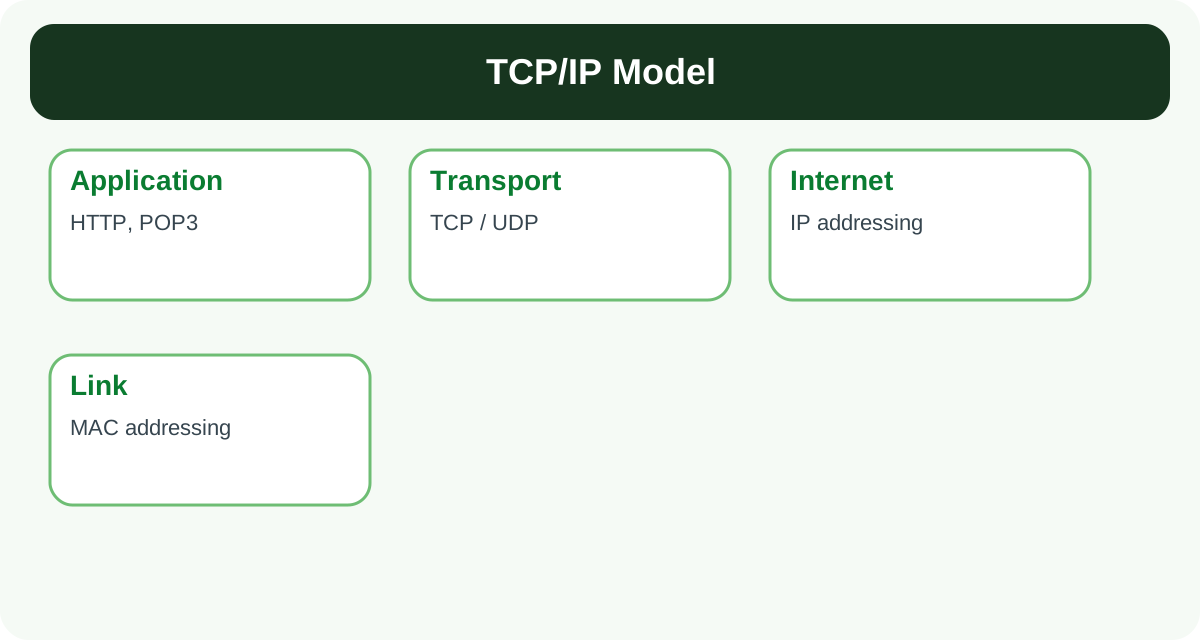
Sending data over a network involves many sub-tasks such as addressing, dividing the message, and error control. These tasks are performed by four layers of the TCP/IP model.
| Layer | Function |
|---|---|
| 1. Application Layer | The message is created at the sender's end and processed at the receiver's end; a header is added. Protocols: HTTP, POP3. |
| 2. Transport Layer | Divides the message into segments, adds source and destination port numbers and sequence numbers. Protocols: TCP and UDP. |
| 3. Internet Layer | Adds the source and destination IP addresses. The IP protocol works here and defines the packet format. |
| 4. Link Layer | Adds the physical (MAC) addresses of the sender and receiver to the packet. |
Difference: TCP vs UDP
| TCP | UDP |
|---|---|
| Reliable, connection-oriented protocol. | Unreliable, connectionless protocol. |
| Used when timely, error-free delivery is important (e.g., email, file transfer). | Used for short messages where a fast response matters more than guaranteed delivery (e.g., video streaming). |
9. Cyber Threats
| Malware | Description |
|---|---|
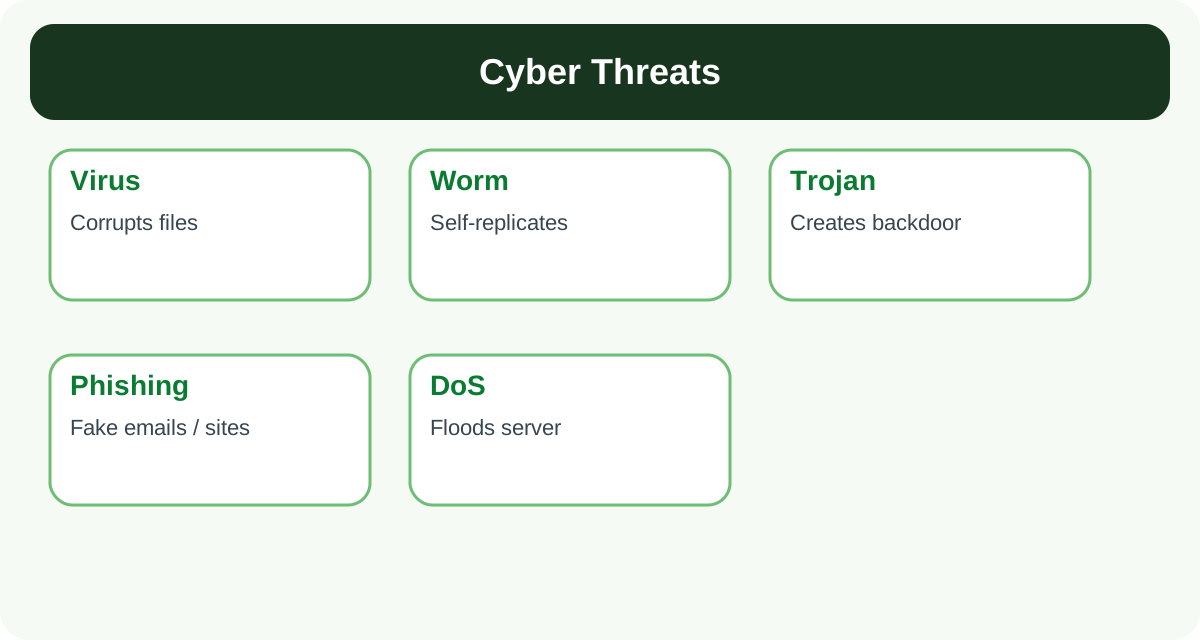
| Virus | A code that harms the system by overwriting or corrupting files. It copies itself into programs, files or the boot sector. |
| Worm | Comes through the network and automatically creates many copies of itself, flooding the hard disk and congesting the network. |
| Trojan Horse | Appears useful but harms the system. It creates a backdoor through which a hacker can monitor and control the computer. |
Common Cyber Crimes
| Cyber Crime | Meaning |
|---|---|
| Cyber Bullying | Harassing or threatening someone using electronic devices. |
| Cyber Stalking | Repeatedly following/contacting a person online even after clear refusal. |
| Online Job Fraud | Cheating people with false promises of jobs and high salaries. |
| Vishing | Asking for OTP, ATM PIN, CVV, passwords etc. through a phone call. |
| SMSing (Smishing) | Fraud SMS that makes victims call fake numbers or open fake websites. |
| SIM Swap Scam | Fraudulently obtaining a new SIM card of someone's registered number. |
| Credit/Debit Card Fraud | Unauthorised use of another person's card to purchase or withdraw money. |
| Identity Theft | Dishonestly using another person's password, e-signature or unique ID. |
| Spamming | Sending bulk unwanted emails/SMS. |
| Ransomware | Locking the victim's data/device and demanding ransom money to unlock it. |
Important Notes
- Other threats: Eavesdropping, Denial of Service (DoS), and Phishing.
10. Network Security Tools and Cyber Law
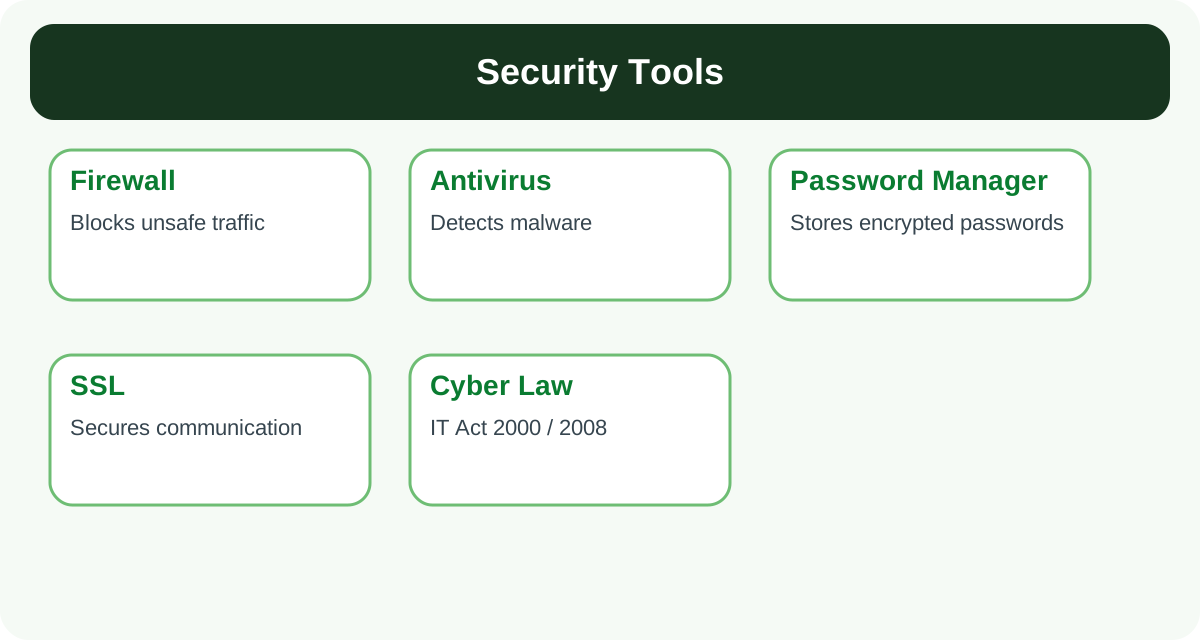
- Firewall: Protects the internal network from malicious traffic coming from external networks. A hardware firewall protects the whole network; a software firewall protects an individual computer.
- Antivirus: Software that detects and removes malicious programs using an updated database of malware definitions.
- Password Manager: Stores all passwords in encrypted form; the user needs only one strong master password.
- SSL (Secure Sockets Layer): A security protocol that secures TCP/IP communication using cryptographic methods.
- Cyber Law: In India, the IT Act 2000 (amended as the IT Amendment Act 2008) defines cyber offences and their penalties.
Important Notes
- Protective Measures: Never click on suspicious links. Use strong passwords. Keep browser, antivirus and firewall updated.
- Do not accept friend requests from unknown people; never post offensive content or spread rumours.
- If someone harasses you online, take a screenshot, block the person and report to the site administrator.
- Check the spelling of website addresses carefully to avoid phishing websites.
- Delete cookies and temporary files periodically.
11. Important Full Forms (Frequently Asked)
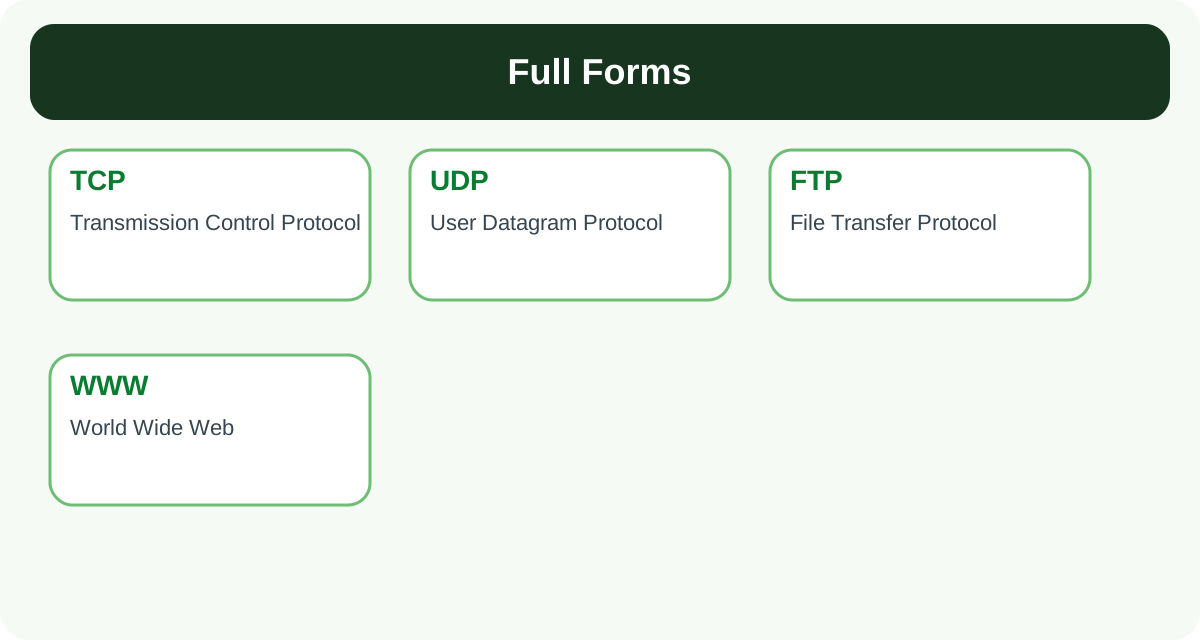
| Term | Full Form |
|---|---|
| NIC | Network Interface Card |
| MAC | Media Access Control |
| IP | Internet Protocol |
| TCP | Transmission Control Protocol |
| UDP | User Datagram Protocol |
| HTTP | HyperText Transfer Protocol |
| FTP | File Transfer Protocol |
| SMTP | Simple Mail Transfer Protocol |
| POP3 | Post Office Protocol version 3 |
| TELNET | TErminaL NETwork |
| WWW | World Wide Web |
| URL | Uniform Resource Locator |
| DNS | Domain Name Server / System |
| ISP | Internet Service Provider |
| LAN / MAN / WAN / PAN | Local / Metropolitan / Wide / Personal Area Network |
| DoS | Denial of Service |
| SSL | Secure Sockets Layer |
12. Word Meanings (Simple English)
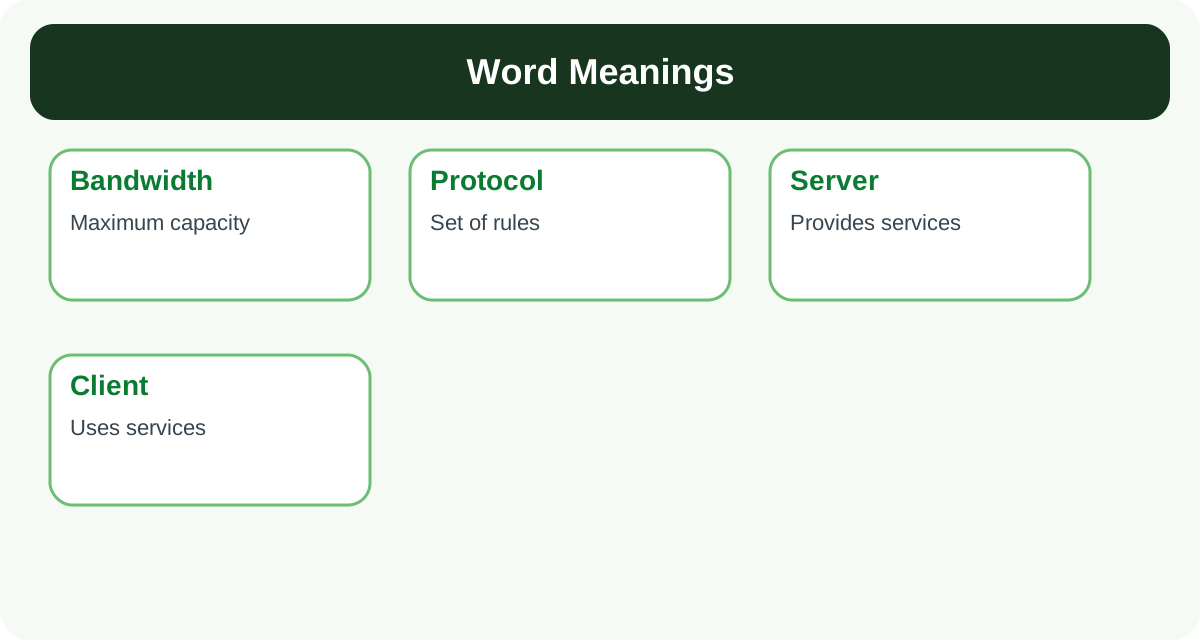
| Word | Simple Meaning |
|---|---|
| Node / Station | Any device connected to a network (computer, printer, phone). |
| Channel / Medium | The path through which data travels. |
| Protocol | A set of rules for communication. |
| Bandwidth | The maximum data-carrying capacity (speed) of a network. |
| Packet | A small piece of a message sent over a network. |
| Server | A powerful computer that provides services to other computers. |
| Client | A computer that requests and uses services from a server. |
| Hyperlink | A link that takes you from one web page to another. |
| Malicious | Harmful; intended to cause damage. |
| Unauthorised | Without permission. |
| Intrusion | Entering a system without permission. |
| Encrypt / Decrypt | To convert data into secret code / to convert it back to normal. |
| Authenticate | To verify identity (e.g., with a username and password). |
| Backdoor | A hidden entry into a system used by hackers. |
| Ransom | Money demanded to release locked data or a device. |
Important Notes
- All the Best for Your Examination!
You Are Building Real Digital Skills
Every topic you complete strengthens your understanding of networking, cyber safety, and the Internet. These are not only examination topics—they are practical skills that will help you in higher studies, competitive examinations, programming, and future technology careers.
Topic Completion
Read each topic carefully and revise the comparison tables before moving ahead.
Exam Confidence
Focus on definitions, differences, full forms, and important examples for better scores.
Challenge Yourself
After completing the tutorial, test your learning with the full Networking Quiz.